GoodMem version and self-service upgrade
Every GoodMem card shows the build it is running. When a newer build exists, the card offers it — and the upgrade lands only when you choose to take it.
These are captures of the real component, not drawings: every badge, every section and the full action set, rendered by the running app. Each state is shown at desktop and mobile width.
An upgrade is never applied on its own. You accept a specific build, and it is installed the next time you pause and resume the instance — so a running workload is never interrupted, and the build you agreed to is the build you get.
State A — on the latest build
The card reports the build it is running and confirms nothing is pending. No action is offered.
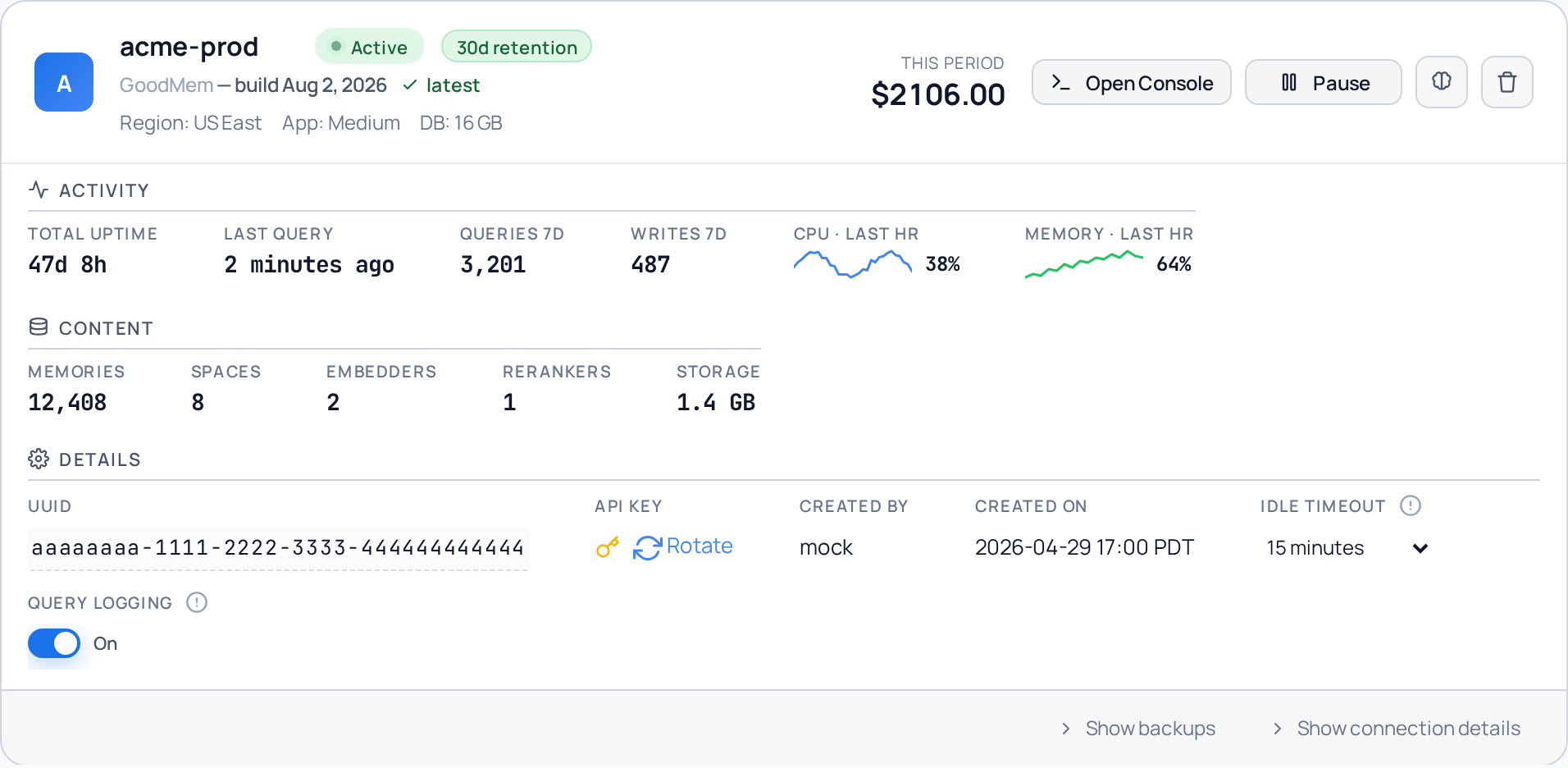
Desktop
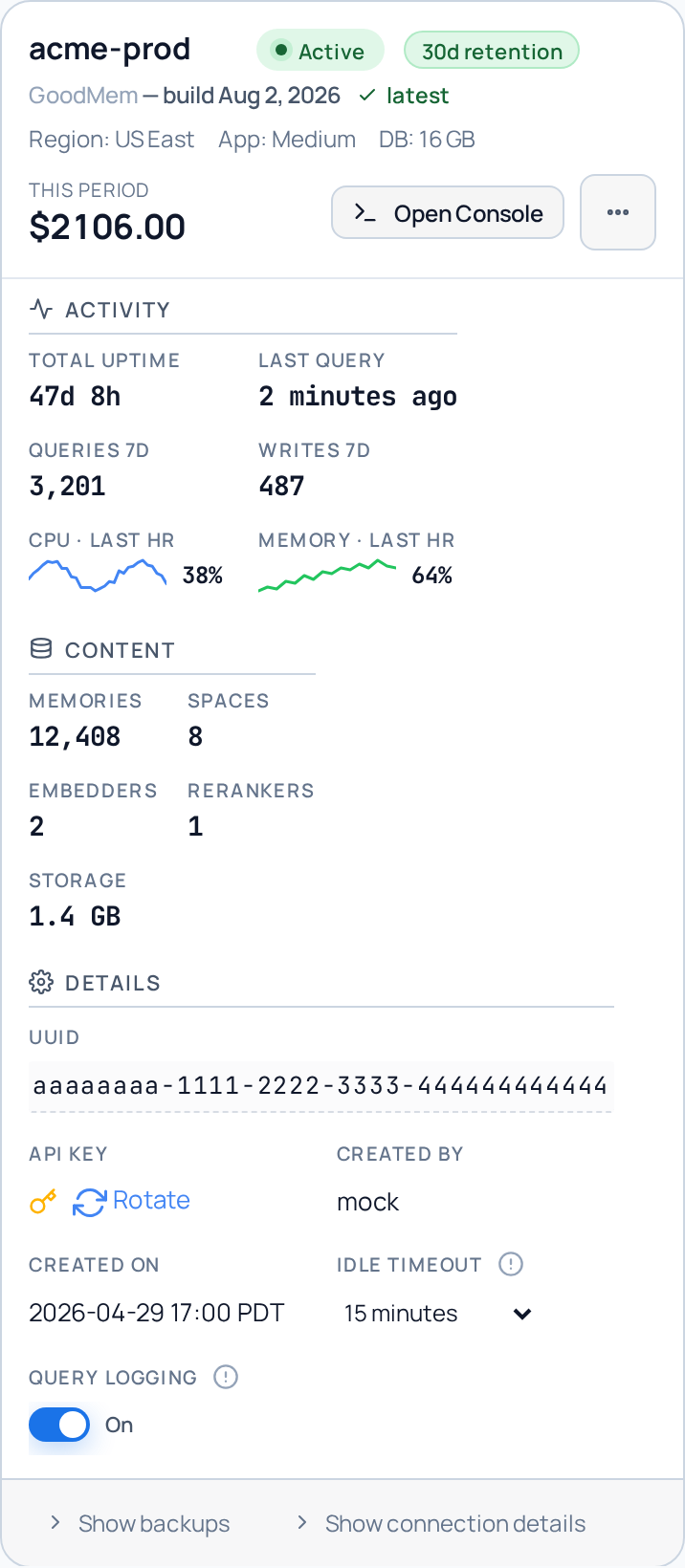
Mobile
State B — a newer build is available
The version line gains an upgrade affordance. Nothing happens without an explicit click — an instance is never upgraded on its own.
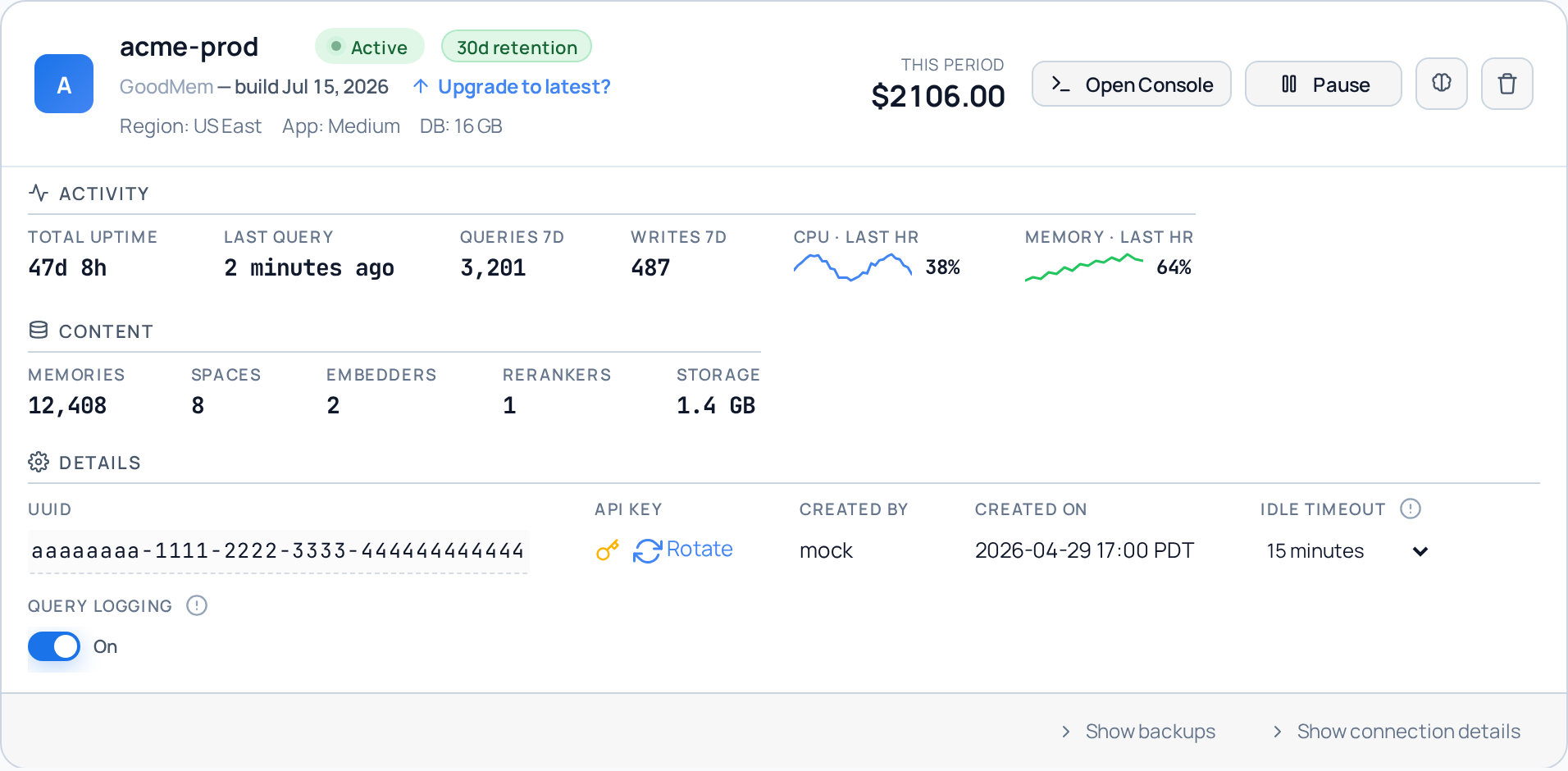
Desktop
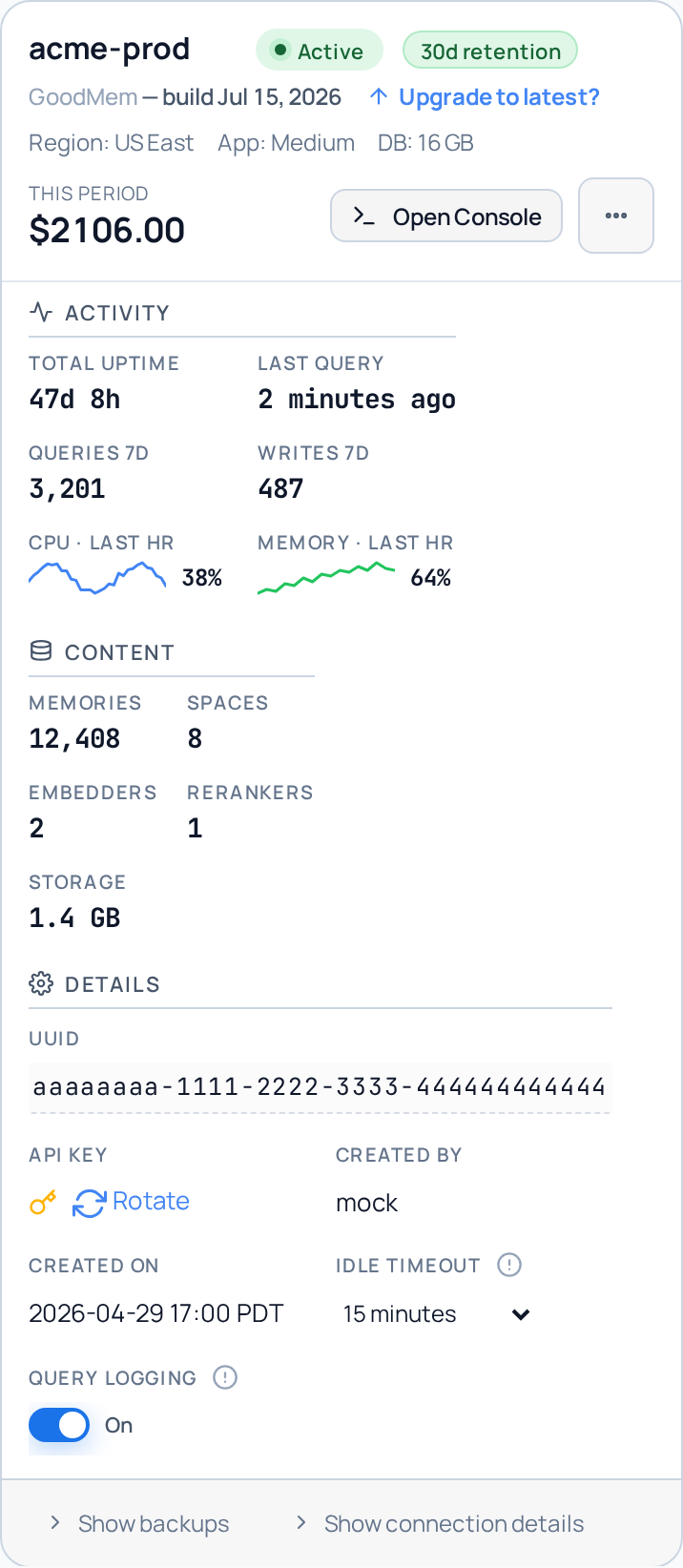
Mobile
State C — an upgrade is scheduled
Once accepted, the card names the build that is waiting and says when it will land. It stays in this state until you pause and resume the instance yourself.
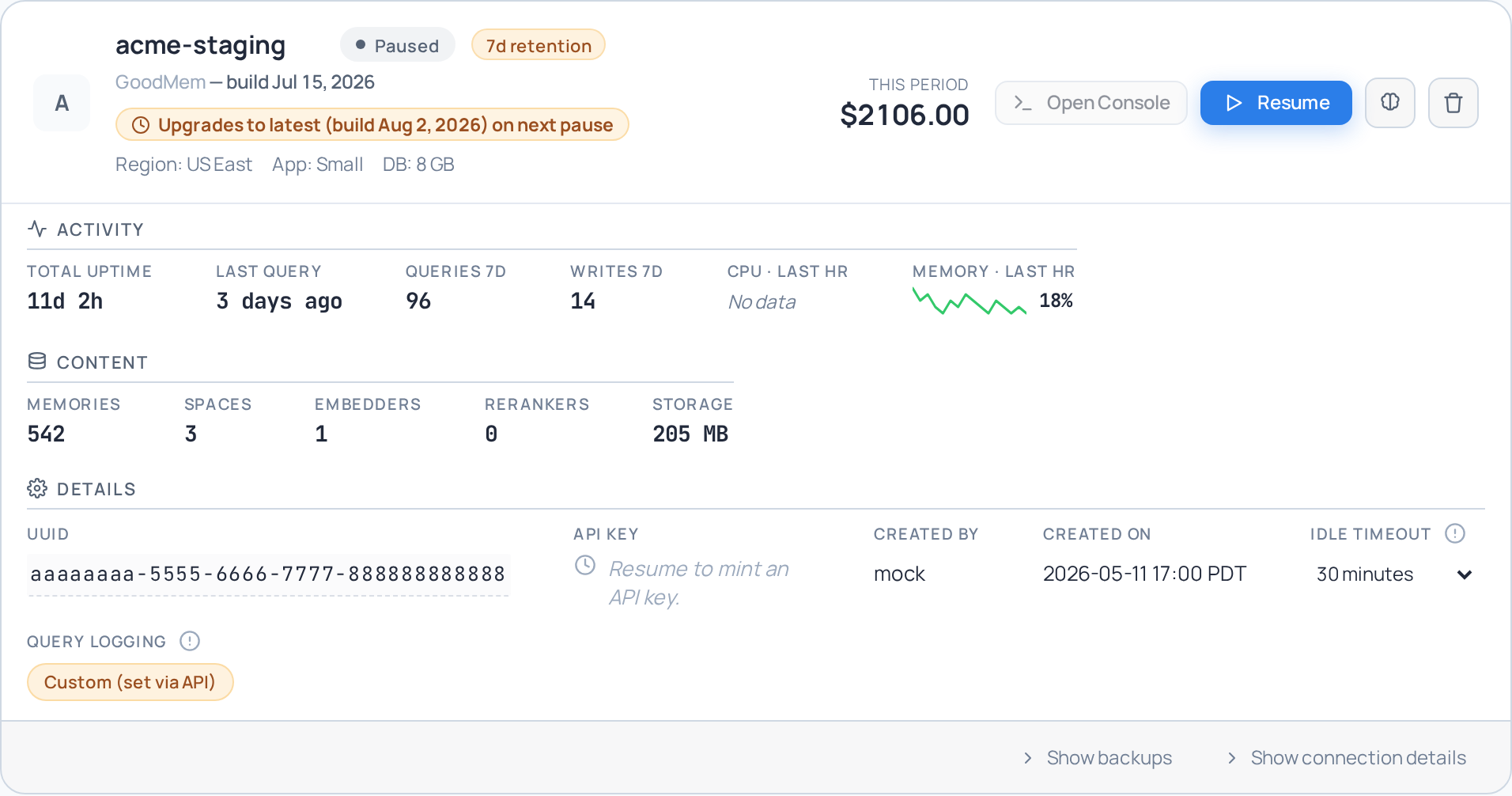
Desktop
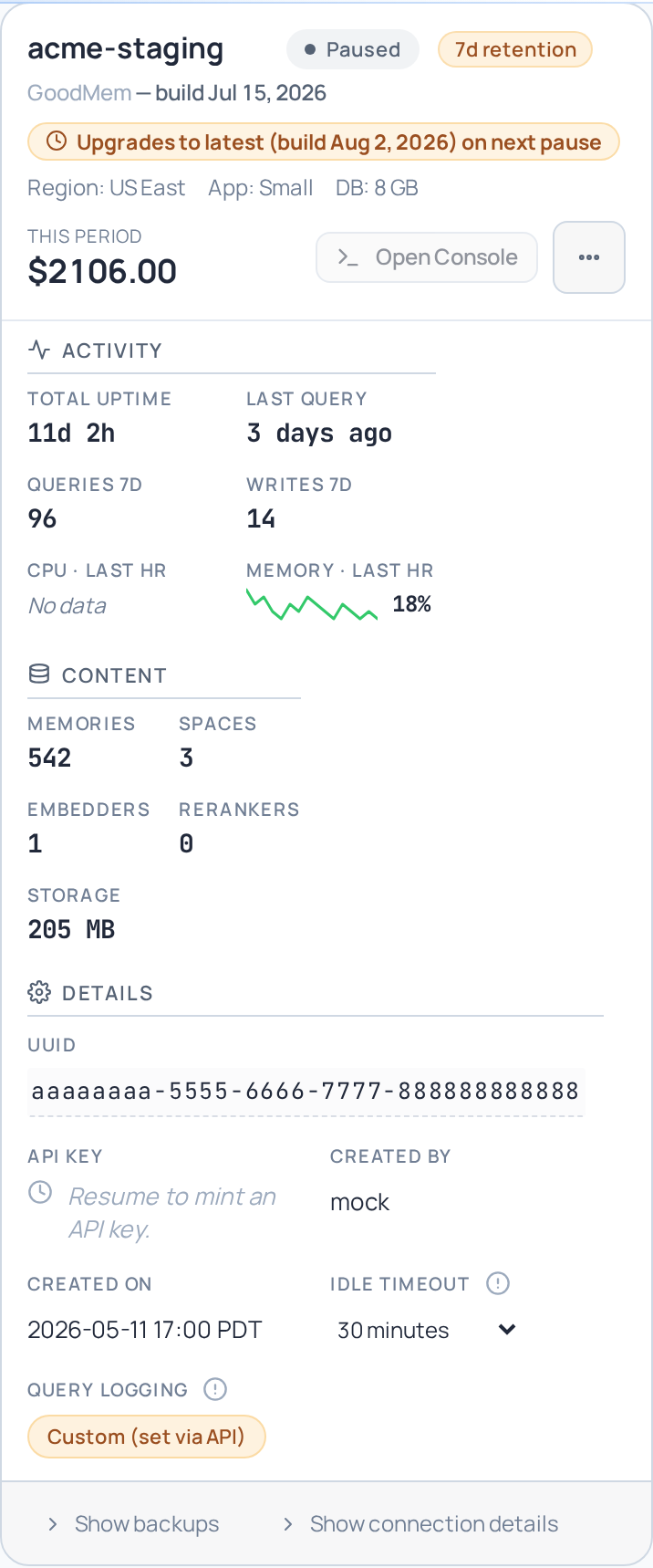
Mobile
The confirmation dialog
Opened from the upgrade affordance. It names the exact build being accepted, and that is the build delivered — a newer one released in the meantime does not silently replace it.
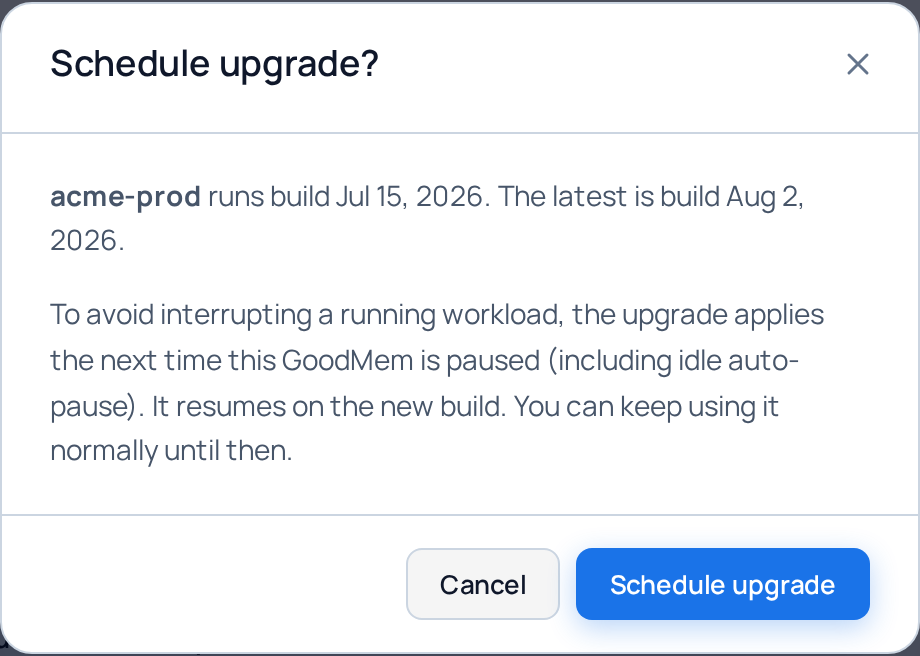
Dialog, desktop
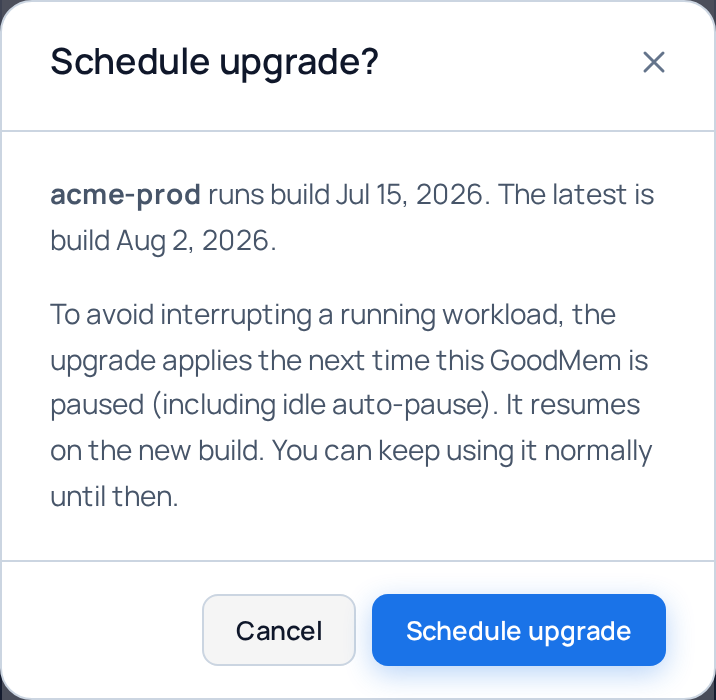
Dialog, mobile
Captured from the GoodMem console in demo mode. Versions are shown as the build identifier the console reports.